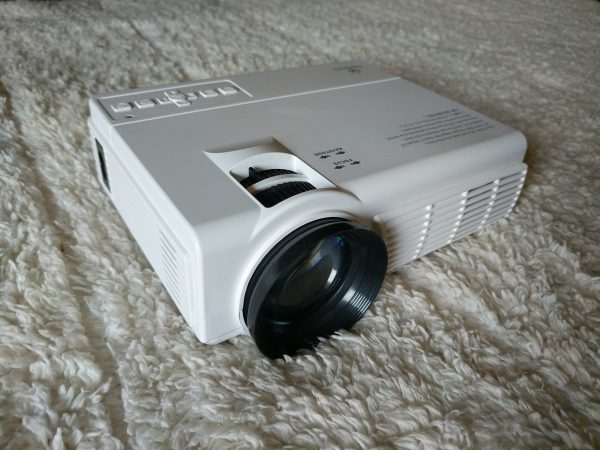
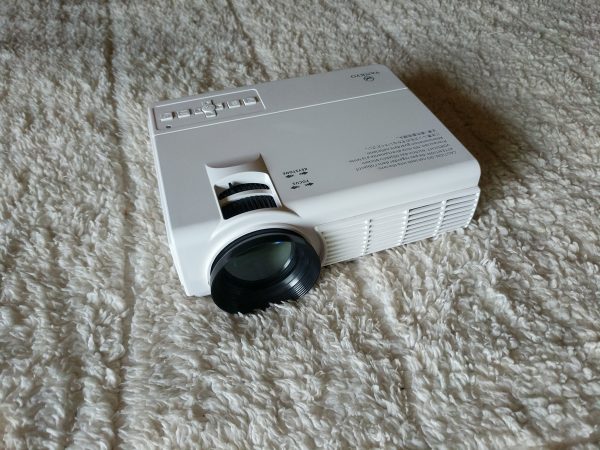
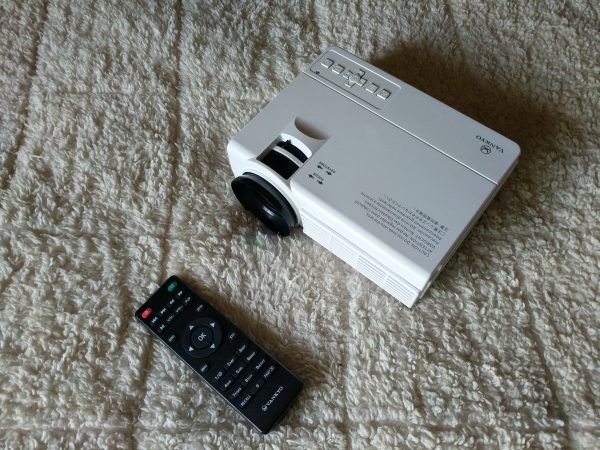
REVIEW – The Vankyo LEISURE 3 2200 LUX LED Portable Projector is a low-cost, easy-to-use, portable digital projector with a good amount of input options. At a price of $89.99, the Vankyo LEISURE 3 does what it’s supposed to do, but don’t expect too much from the viewing experience. The Vankyo is serviceable, but it takes a few hits for not being able to process Dolby Digital Sound, function as a digital presentation projector, or including cables for iPhone or Android devices.
What is it?
Portable digital projectors have become pretty popular recently. The ability to immediately project a wall-sized video of content from your phone or laptop is really exciting and when compared to the price of televisions of comparable size, the cost of a digital projector seems to make sense. The best digital projectors are usually in the $300-$800 range. They offer a viewing experience on par with that of a modern, reasonably priced television with the added benefit of portability. Generally, the smaller and more feature-rich the projector, the higher the price.
The Vankyo LEISURE 3 can’t compete on any level with those high-end projectors. This projector costs only $89.99 for a reason. The build quality, included features, and picture quality are all sub-par to mediocre. But, you get what you pay for, and there are a few instances where purchasing a projector of this caliber makes sense.
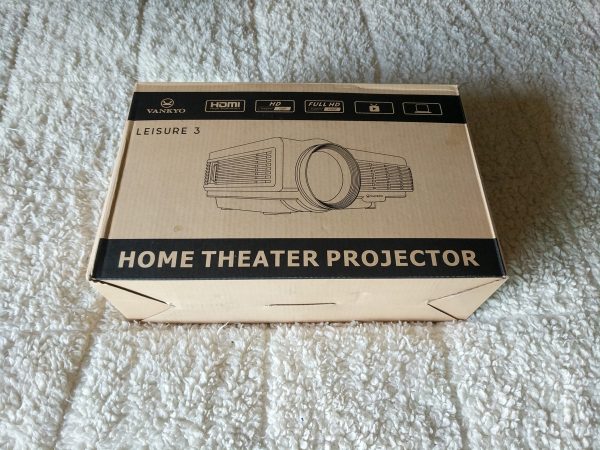
The Vankyo LEISURE 3 comes in a sturdy cardboard box with a carrying handle. This box would make a great case if the Vankyo didn’t already come with a cool zippered carrying case.
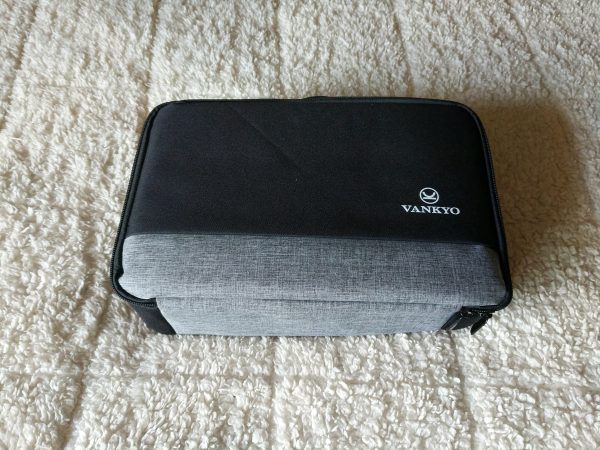
The carrying case is a great accessory and of good quality, it makes the Vankyo stand out a bit from other projectors in this price range.
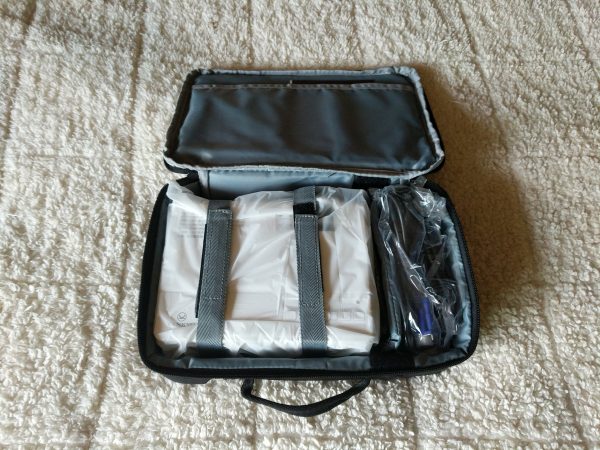
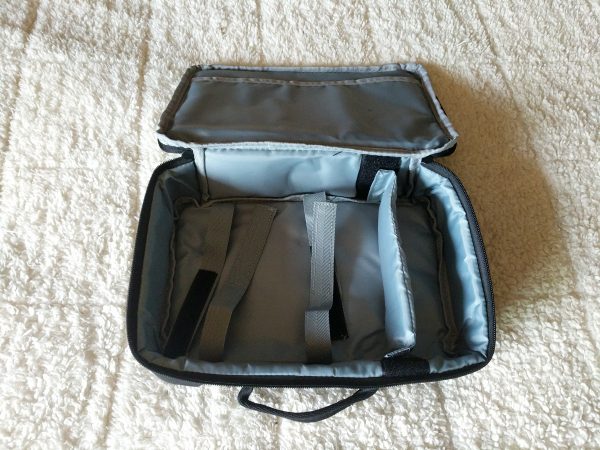
The case has internal velcro straps to keep the projector safe, a separate adjustable compartment for the extra cables and remote, and a sleeve for the manual and quick start guide.
What’s in the box?
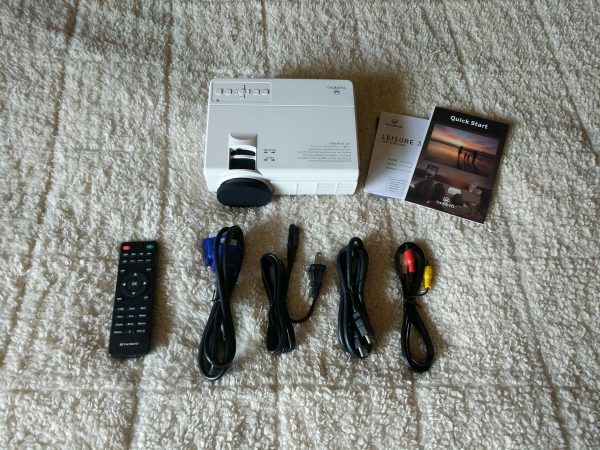
- Vankyo LEISURE 3
- Quick start guide and manual
- Remote control (batteries not included)
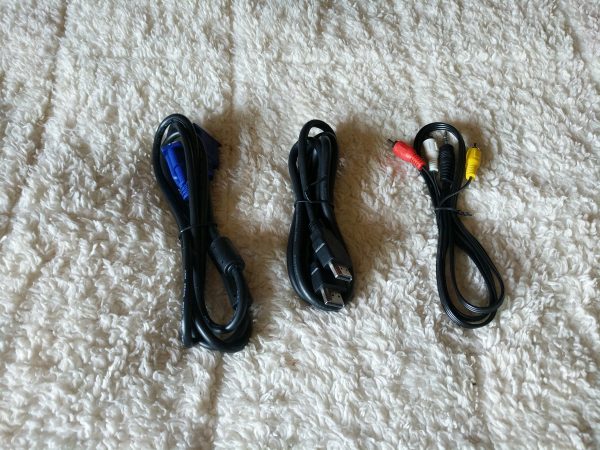
- VGA cable
- Power cable
- Standard HDMI cable
- RCA to 3.5mm video cable
Hardware specs
- LED Brightness: 2200 LUX
- Contrast Ratio: 2000:1
- Keystone: ±15 degree
- Lamp Life: 40000 hrs
- Aspect Ratio: 4:3\16:9\auto
- Projection Size: 33-170 inches
- Native Resolution: 800 x 480
- Display Technique: LCD
- Weight: 2.12 lbs
- Dimensions: 7.9 x 5.9 x 3.1 in
Design and features
With the provided cables and inputs, the Vankyo LEISURE 3 can accept video input from a few sources. The included cables let you input video from an HDMI source, a computer with a VGA output, an RCA video output, an SD Card, or a USB source. Because you’re only given three included cables, you need to buy additional adaptor cables to be able to input video from your iPhone, Android device, or newer laptop.
You can also output audio from the projector to an external speaker. The internal speaker on the Vankyo works OK in a quiet room or if there isn’t a lot of background noise. The fan on the Vankyo is pretty impressive in how quiet it is. You know it’s running, but it doesn’t really affect the viewing experience.
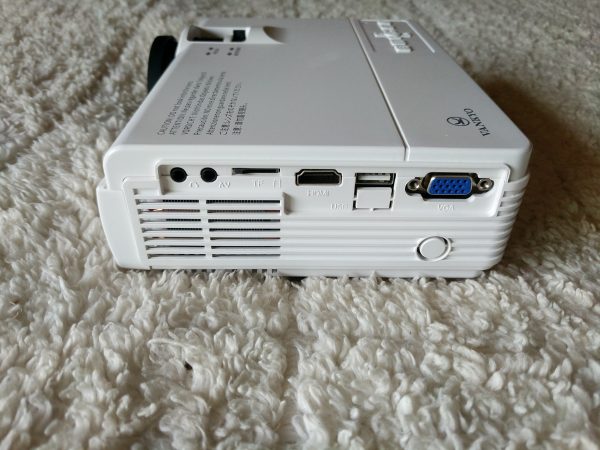
The USB input is what I found most useful. If you format a USB stick with movies, music, or images and insert it into the USB slot, the Vankyo can access the folders with a rudimentary file system. By using a low profile 128gb USB stick, I was able to pack up the Vankyo projector along with about 30 movie files for outdoor viewing on a recent camping trip.
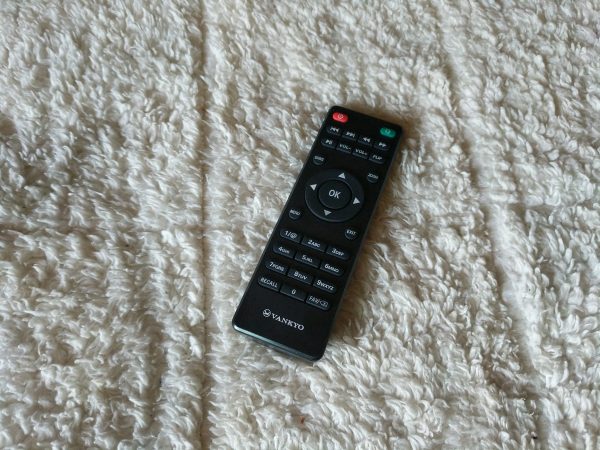
The remote for the Vankyo proved useful at times, but since the Vankyo works best in absolute darkness, I found myself wishing it had a light-up feature to help make the keys visible. Additionally, the IR receiver for the remote is on the back of the projector, so if you’re sitting adjacent to or in front of the projector, the remote is useless.
Setup
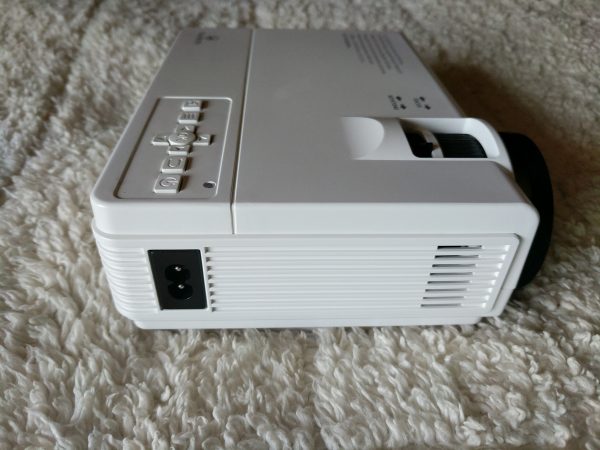
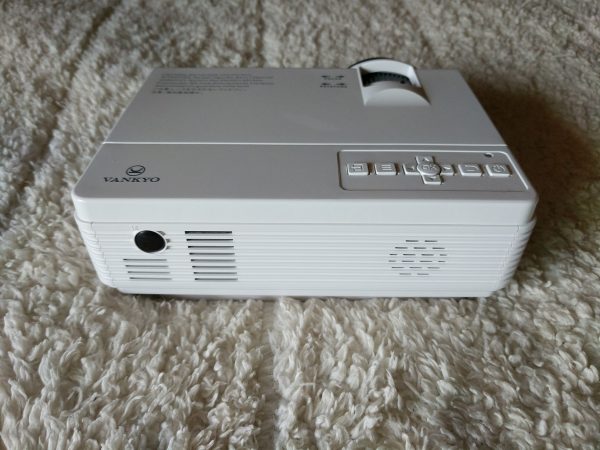
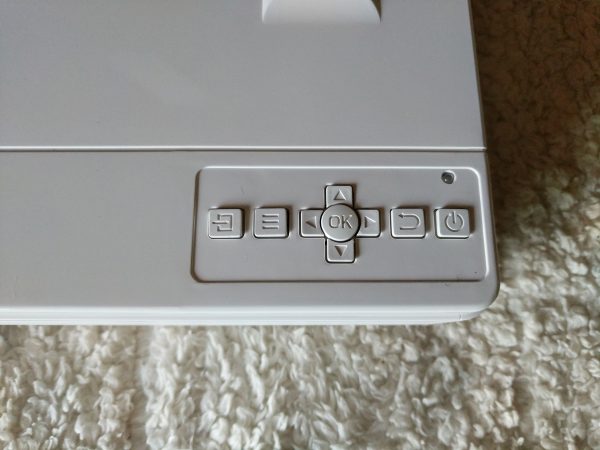
Setting up the Vankyo LEISURE 3 is pretty easy. Just plug in the power cord, connect your video source, power on the projector and you should have some type of image projecting. There are control buttons on the top of the projector and it takes a bit of time to understand them, but once that’s been figured out, the rest of your setup time will be spent on trying to get the best picture and focus.
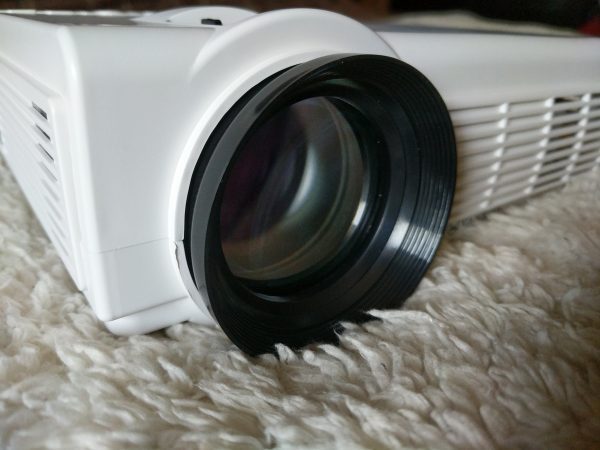
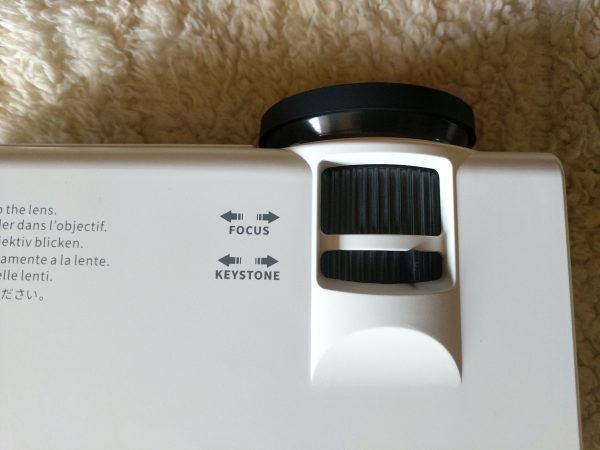
Focus can be adjusted with the Focus dial on top of the projector or by turning the lens itself. The Keystone adjustor allows you to fix the geometry of the picture if it’s not hitting your screen correctly. It’s of note that the keystone can only be adjusted vertically, which I found frustrating.
Performance
For my testing, I set up a screen using a white bedsheet and had the projector about three feet away projecting an image comparable to a 32 inch television.
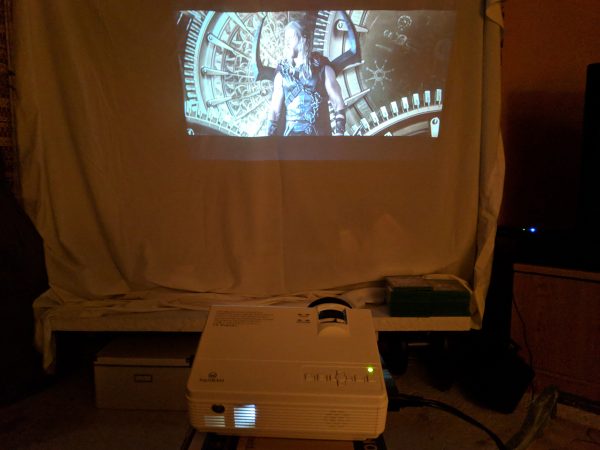
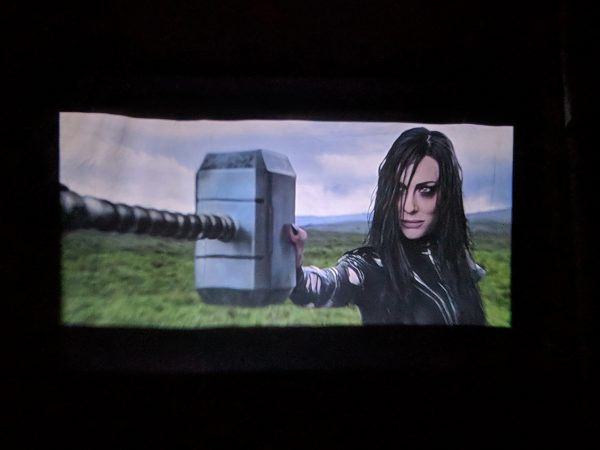
I watched several movies and television shows to test the Vankyo, but mainly tried it out using “Thor: Ragnorak” because of the bright color palette and great audio tracks.
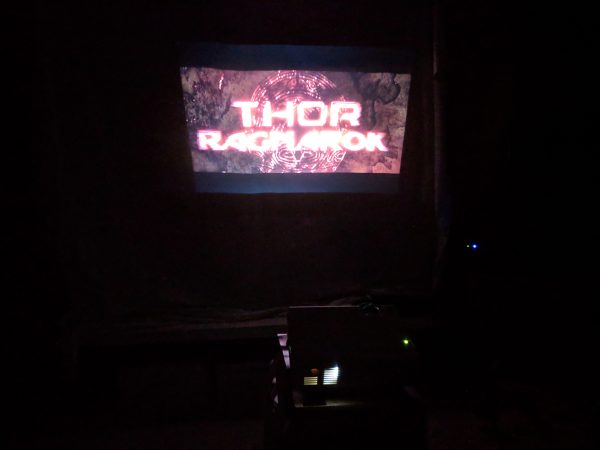
It took me a while to find the best configuration for the picture settings. The picture from the Vankyo LEISURE 3 looks best in COMPLETE darkness, so using the remote to change the picture settings in the dark was frustrating at times.
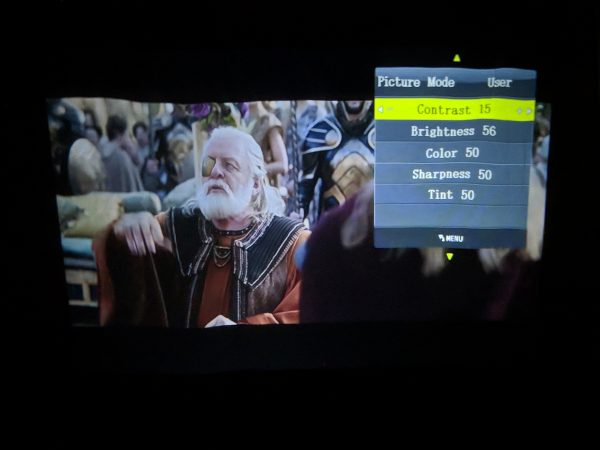
After some trial and error, I was able to get some decent contrast and color although this varied as the scenes changed.
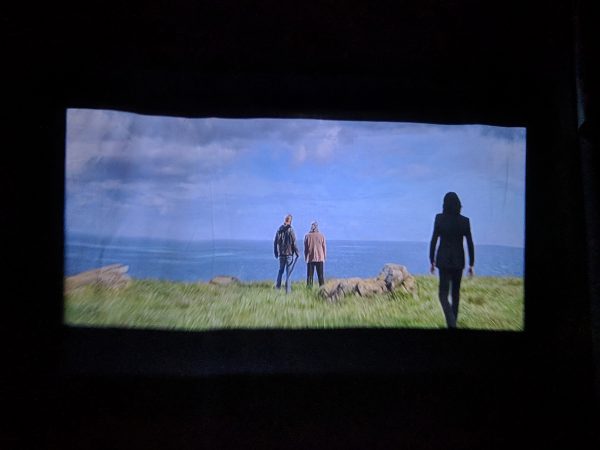
I was impressed with the color, but disappointed and frustrated by the focus and sharpness of the image.
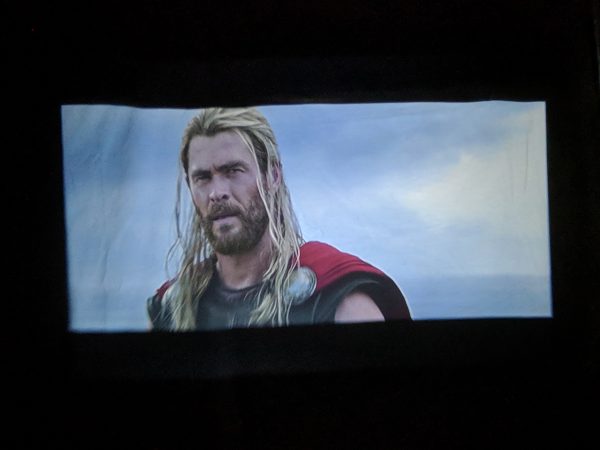
I was never able to get the bottom of the frame to stay completely in focus, no matter how I adjusted the keystone, focus, or position of the Vankyo. Also, at times the picture would take on a pinkish hue in the whites.
The internal speaker handled the music and cinematic sound from the movie fine. There are a few audio parameters that can be adjusted as well and that helped a lot, but not having the ability to enable Dolby Digital Sound really hurts the experience.
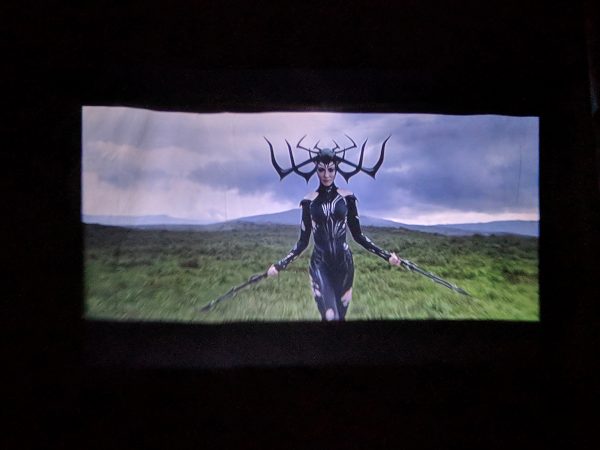
And this is why the Vankyo LEISURE 3 is just a mediocre performer, there was no point during my testing where I was like, “This is so much better than my TV.” The whole point of digital projectors is that “wow” factor to kind of bring the cinematic experience home; the Vankyo just doesn’t come close to evoking that feeling.
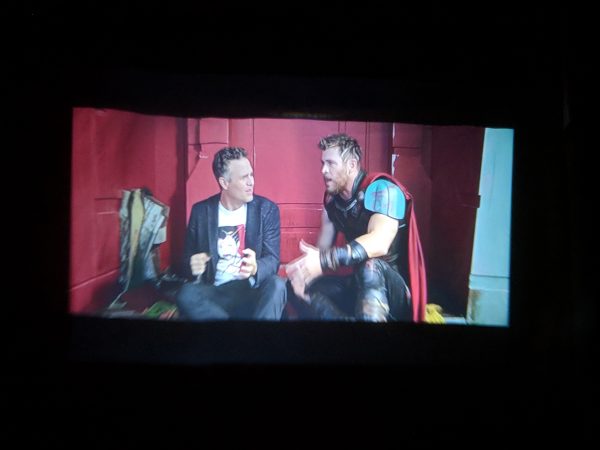
Ultimately, for me, the Vankyo LEISURE 3 is kind of like a novelty purchase. It’s cheap and fun to take on camping trips or maybe to play the occasional movie outside after a BBQ or family gathering, but it’s not of good enough quality to use and enjoy on a regular basis.
Additionally, and most importantly for some, you can’t even run a digital presentation on it! Of all the reasons I mentioned to get and use a digital projector, that’s one of the main ones and the Vankyo can’t even function in that sense.
What I like
- Easy to set up
- Inexpensive
- Carrying case included
What needs to be improved
- No support for PowerPoint, Word, or Excel presentations
- No support for Dolby Digital Sound
- Mediocre picture quality and focus
- Large for a “mini” projector
- No included smartphone cables/adaptor
Final thoughts
The Vankyo LEISURE 3 2200 LUX LED Portable Projector is a mediocre product at best, but some of its shortcomings are offset by its low cost. The Vankyo functions properly and does what it’s supposed to do, but it lacks options offered in a number of other products in its class, like support for Dolby Digital Sound and the ability to run digital presentations. This might qualify as a good novelty purchase, but you’d be better off investing a little more money in a more versatile, higher quality projector.
Price: $89.99
Where to buy: Amazon
Source: The sample of this product was provided by Vankyo.
Filed in categories: Reviews
Tagged: Projector
Vankyo LEISURE 3 2200 LUX LED Portable Projector review originally appeared on The Gadgeteer on September 20, 2018 at 11:00 am.
Note: If you are subscribed to this feed through FeedBurner, please switch to our native feed URL http://the-gadgeteer.com/feed/ in order to ensure continuous delivery.